
Secure digital erasure
Erasure for drives that still detect properly and can be reused, donated, sold, or redeployed after verification.
Certified data destruction
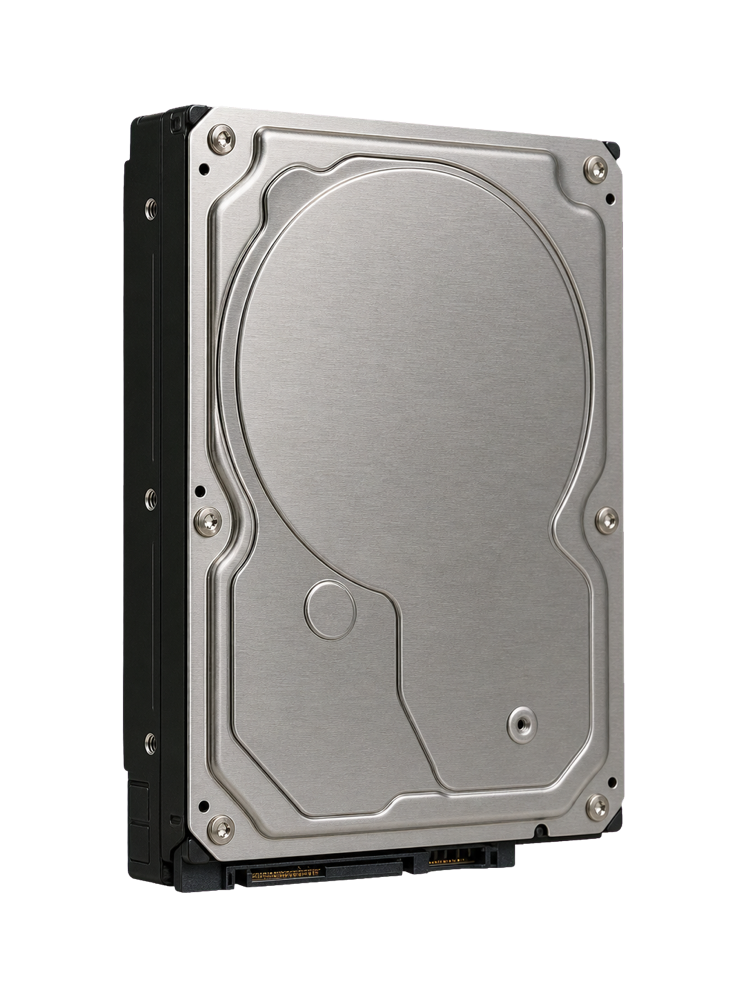
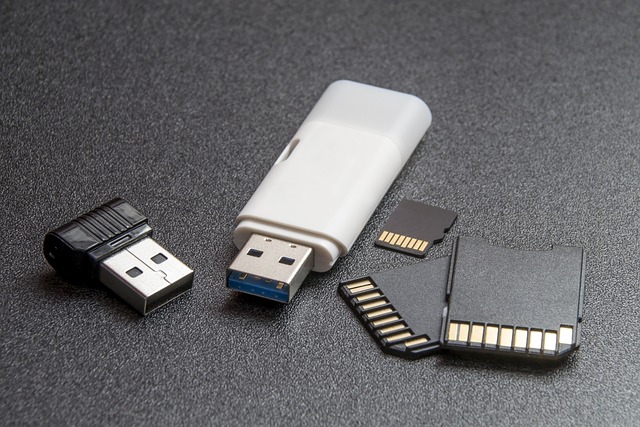
OmniData securely destroys data on retired hard drives, SSDs, USB drives, memory cards, workstations, servers, and business storage media. Choose secure erasure when the device can be reused, or physical destruction when the media must never be read again.

Secure media disposal
Deleting files or formatting a drive is not the same as destroying data. Sensitive media should be erased, verified, or physically destroyed before being recycled, sold, returned, or removed from service.
Erasure for drives that still detect properly and can be reused, donated, sold, or redeployed after verification.
Physical media destruction for failed, retired, or sensitive drives that should never be recoverable again.
Documentation for businesses that need proof that storage media was securely handled and destroyed.
Media from workstations, servers, NAS systems, external drives, USB drives, memory cards, and retired office equipment.
Important
Deleted files, quick formats, and many reset options can leave recoverable data behind. If the drive contains client records, accounting data, legal documents, photos, passwords, or business files, use verified erasure or physical destruction.
Choosing the right option
Secure erasure is best when the drive works and the equipment needs to be reused. Physical destruction is best when the drive is failed, the data is highly sensitive, or the media is being permanently retired.
Lab process
We record the storage type and determine whether secure erasure, physical destruction, or both are appropriate.
The media is securely erased, physically destroyed, or processed according to the chosen handling method.
When requested, certificate documentation is provided for your records after the work is completed.
Secure destruction workflow
Bring the drives or devices to the North York lab and we will help choose the right destruction method for the media type and sensitivity level.
Data destruction FAQ
No. Formatting can leave recoverable data behind, especially if it is a quick format. Sensitive media should be securely erased, verified, or physically destroyed.
SSDs store data on flash memory chips, so secure erasure or physical destruction must account for the way SSDs manage NAND memory, wear leveling, and spare blocks.
Yes. Certificate documentation can be provided when requested for business, compliance, or internal record keeping.
Yes. Failed or non-detecting drives can be physically destroyed when recovery is not needed and the goal is permanent data removal.
Start securely
OmniData can help choose secure erasure, physical destruction, and certificate documentation based on the media and risk level.