
Liquid damage
Phones exposed to water, coffee, humidity, or corrosion that need cleaning, inspection, and board-level stabilization.
Mobile device data recovery
OmniData recovers photos, contacts, messages, videos, and business files from phones that will not start, were exposed to liquid, suffered impact damage, or cannot be accessed normally.
Phone failure types
Modern phones encrypt user data, so recovery often depends on getting the original phone stable enough to boot, unlock, and safely extract the data. Replacing storage chips alone usually does not recover usable files from encrypted phones.
Phones exposed to water, coffee, humidity, or corrosion that need cleaning, inspection, and board-level stabilization.
Devices that do not power on, restart repeatedly, show no display, or fail before files can be backed up.
Cases where the original phone state must be stabilized carefully before encrypted data can be accessed safely.
Recovery paths that preserve the original logic board, storage, and security state needed to access encrypted phone data.
What to do now
If the phone was dropped, got wet, heats up, restarts, or shows signs of corrosion, repeated power attempts can make board damage worse. Power it off if possible and bring it in for assessment before more damage occurs.
Liquid damage warning
Rice does not clean the liquid or minerals left inside the phone. After liquid exposure, corrosion can begin quickly on board components and tiny traces. Waiting with the phone in rice can allow that corrosion to accelerate, making the recovery more difficult and increasing the risk of permanent data loss.
Read the water-damaged phone safety guideImportant
The goal is not to make the phone perfect. The goal is to stabilize the device just enough to unlock it, create a backup, or extract the needed files without risking the original encrypted data.
Lab process
We check the phone for liquid damage, power faults, board damage, encryption requirements, and signs of previous handling attempts.
When needed, we perform targeted board-level data access work to stabilize the original device state enough for safe data extraction.
Once access is restored, files are copied, verified, and returned securely after approval.
In-house phone recovery
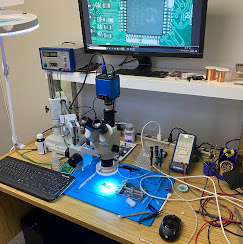
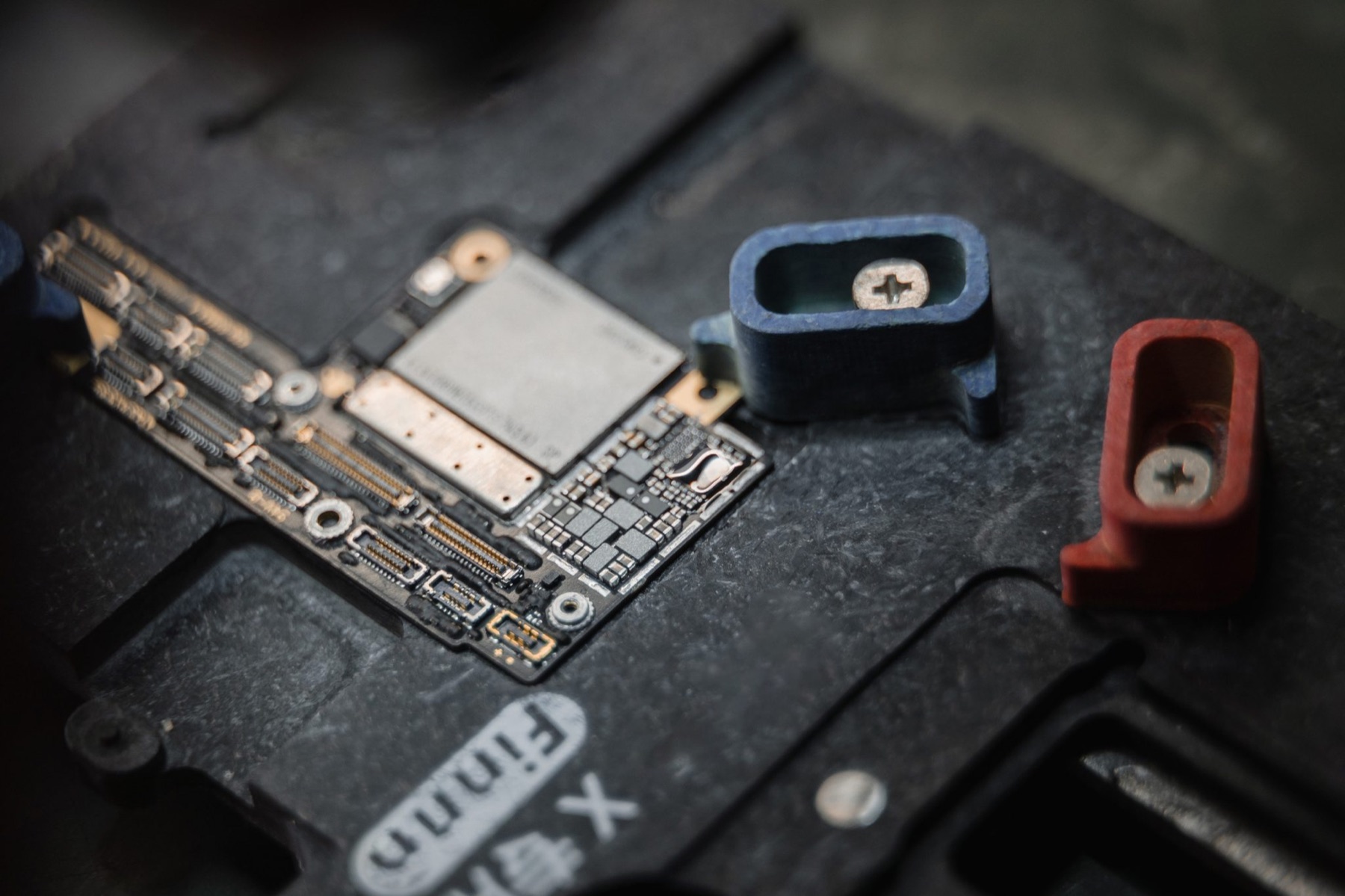
Phone data recovery often requires careful electronics work before files can be accessed. This page is ready for your own phone recovery photos when you want to replace the current supporting images.
Phone FAQ
In many cases, yes. The phone needs to be inspected and stabilized before repeated power attempts cause more corrosion or shorted components.
Sometimes. Recovery depends on whether the original board, storage, and security components can be made functional enough to boot or extract the data safely.
Manufacturer service often focuses on replacement or reset. A data recovery lab focuses on preserving the original data first when the original device state allows it.
For modern encrypted phones, the correct passcode or account access is usually required after the device is stabilized. Without it, recovered data may remain encrypted.
Start safely
Bring the phone to OmniData in North York or use the mail-in option if you are outside Toronto.