Failed RAID rebuilds
Arrays that degraded, failed during rebuild, dropped another disk, or became inaccessible after a drive replacement.
RAID & NAS data recovery
OmniData recovers business files, shared folders, photos, backups, and database storage from failed RAID arrays, NAS devices, servers, and external RAID enclosures. Each drive is handled individually before the array is rebuilt virtually.
RAID failure types
RAID recovery is not just a file scan. The drive order, stripe size, parity rotation, filesystem, and condition of each disk can determine whether the data can be reconstructed safely.
Arrays that degraded, failed during rebuild, dropped another disk, or became inaccessible after a drive replacement.
RAID sets with bad sectors, clicking drives, slow drives, firmware problems, or disks that no longer detect properly.
Synology, QNAP, and other NAS volumes that will not mount, show missing shared folders, or report corrupted storage pools.
Deleted shares, formatted volumes, accidental initialization, damaged partition tables, and lost business folders.
Important
Rebuild attempts can overwrite parity, metadata, or filesystem structures, and they can put heavy stress on weak disks. If a RAID or NAS is already degraded, every additional rebuild attempt can reduce the chance of a clean recovery.
Removed, failed, slow, or non-detecting drives can still contain critical parity, metadata, or file data needed to rebuild the array. Do not leave any original RAID member behind, even if the NAS or server marked it as failed.
Read the RAID failure warning guideWhat to do now
Power the system down, label each drive by bay number, and avoid filesystem utilities such as chkdsk, fsck, or NAS rebuild prompts on the original disks. The safest recovery path is to image every drive first, then reconstruct the array from the copies.
Lab process
We record drive order, NAS model, RAID level, failure history, and any rebuild or recovery attempts before work begins.
Every disk is assessed and cloned individually, with controlled handling for weak, slow, or failing drives.
The RAID parameters and NAS filesystem are reconstructed from images, so the original disks are not changed.
Recovered data is checked, organized, and returned securely after approval.
In-house RAID recovery
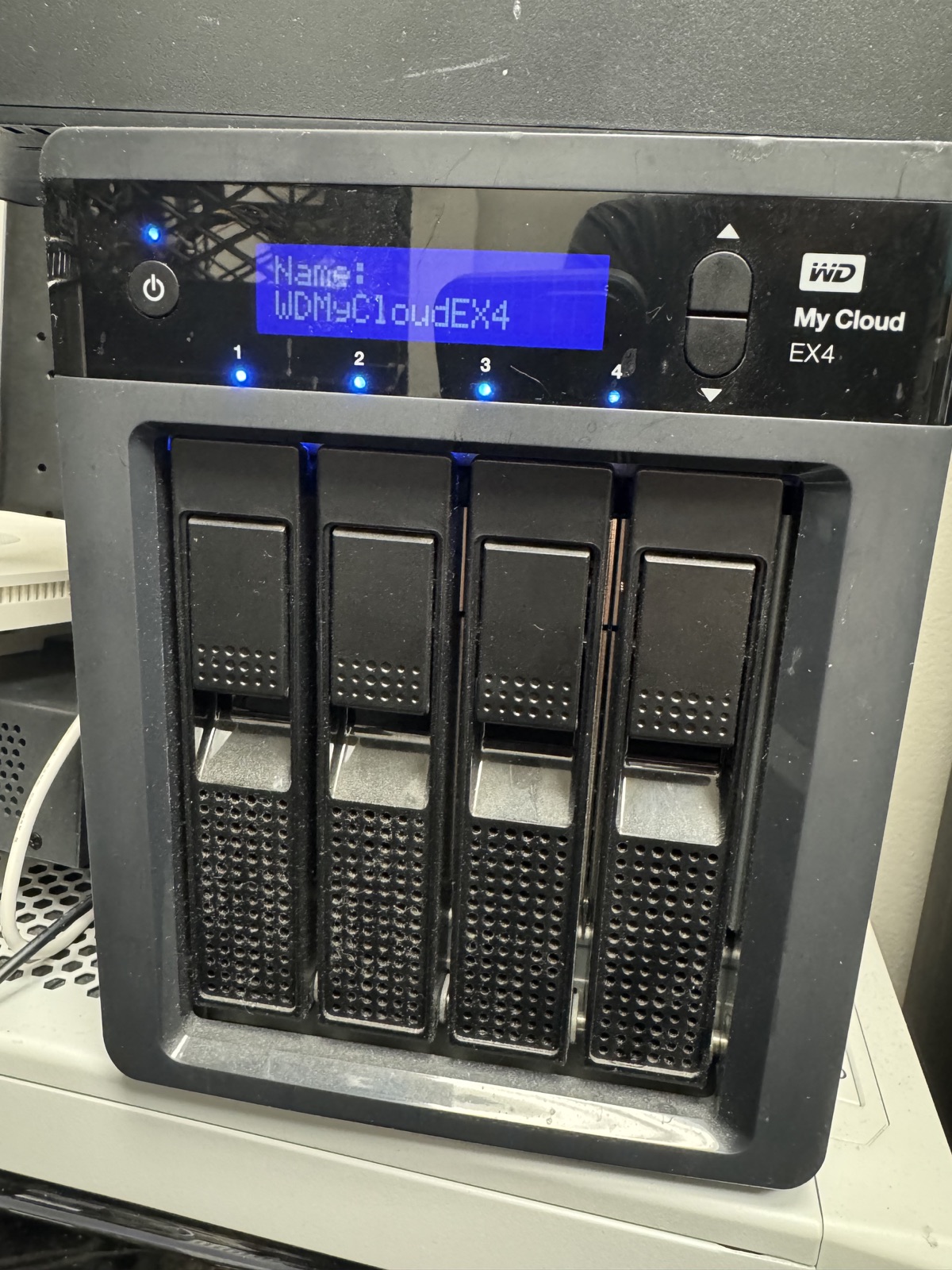
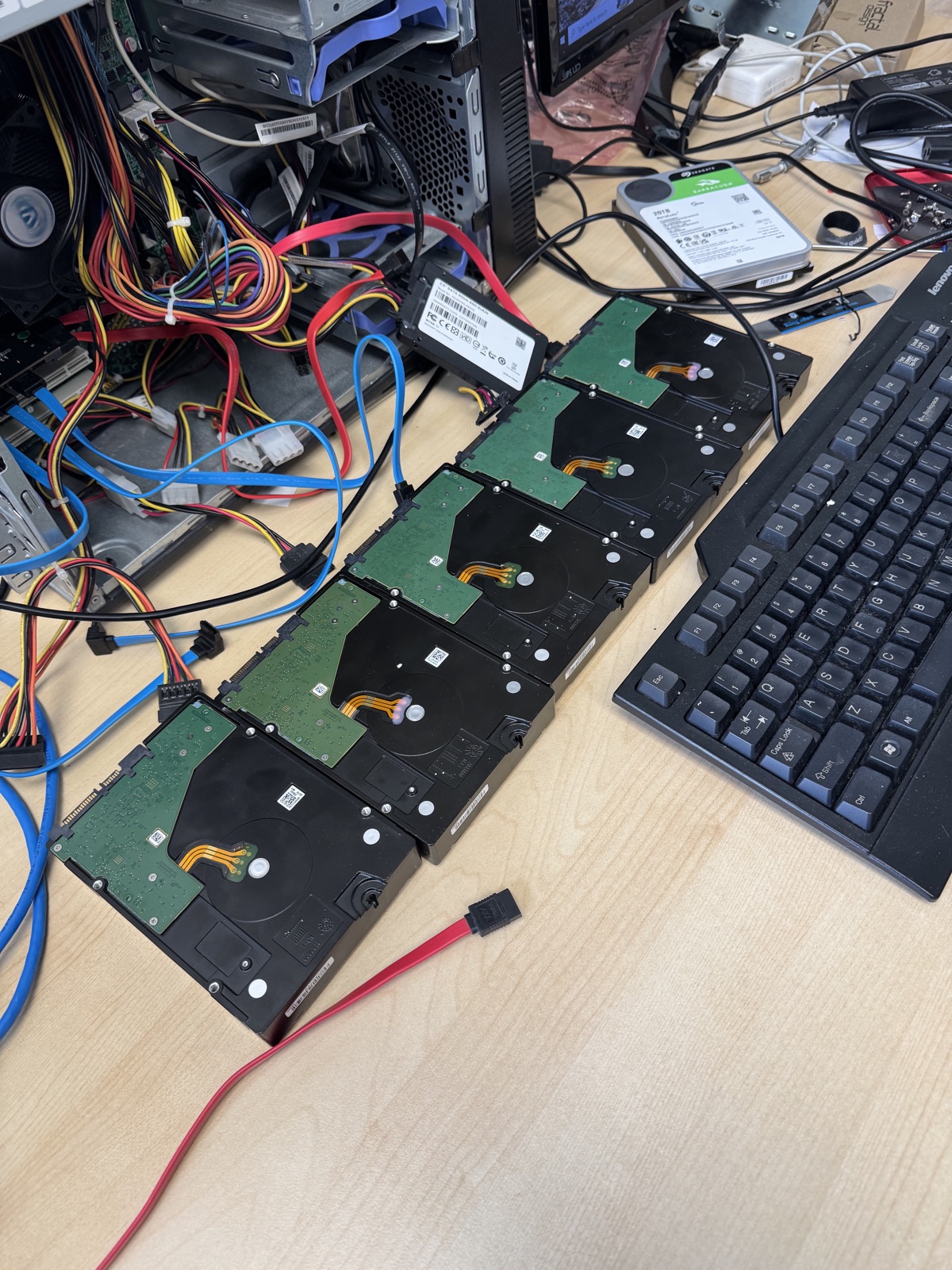
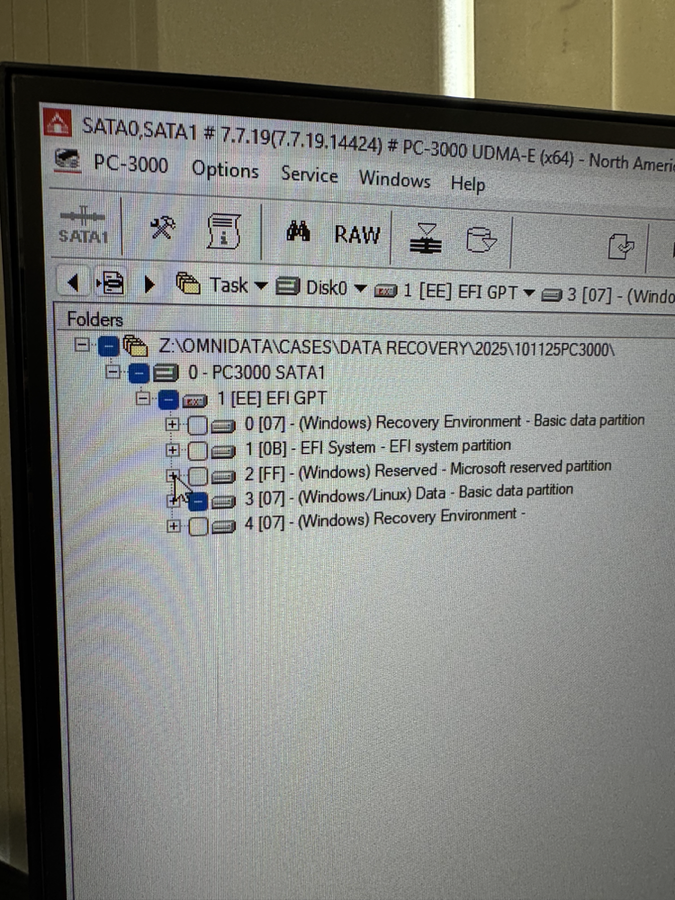
These photos show real RAID and NAS recovery context, controlled imaging, and in-house diagnostics inside the OmniData workflow.
RAID & NAS FAQ
Often, yes. The safest approach is to stop all rebuild attempts, image each drive, and reconstruct the RAID virtually so the original disks are not modified further.
No. If the first rebuild failed or the array is unstable, another rebuild can overwrite important data and stress weak drives. Power the system down and have the drives assessed first.
Yes. OmniData handles Synology, QNAP, and other NAS systems with failed storage pools, corrupted volumes, deleted shares, and degraded RAID arrays.
Bring every drive from the array whenever possible, even drives that seem failed or were removed earlier. The original drive order and full disk set can be critical for reconstruction.
Start safely
Bring the full drive set to OmniData in North York or use the mail-in option if you are outside Toronto.