Mechanical failure
Clicking, grinding, seized motors, head failure, platter access issues, and drives damaged by impact or drops.
Hard drive data recovery
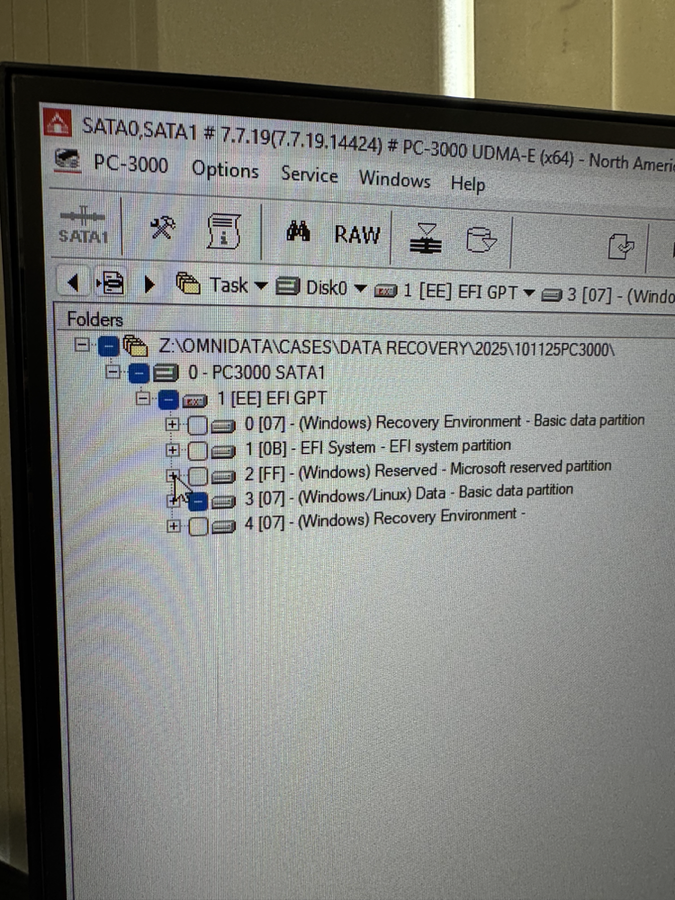
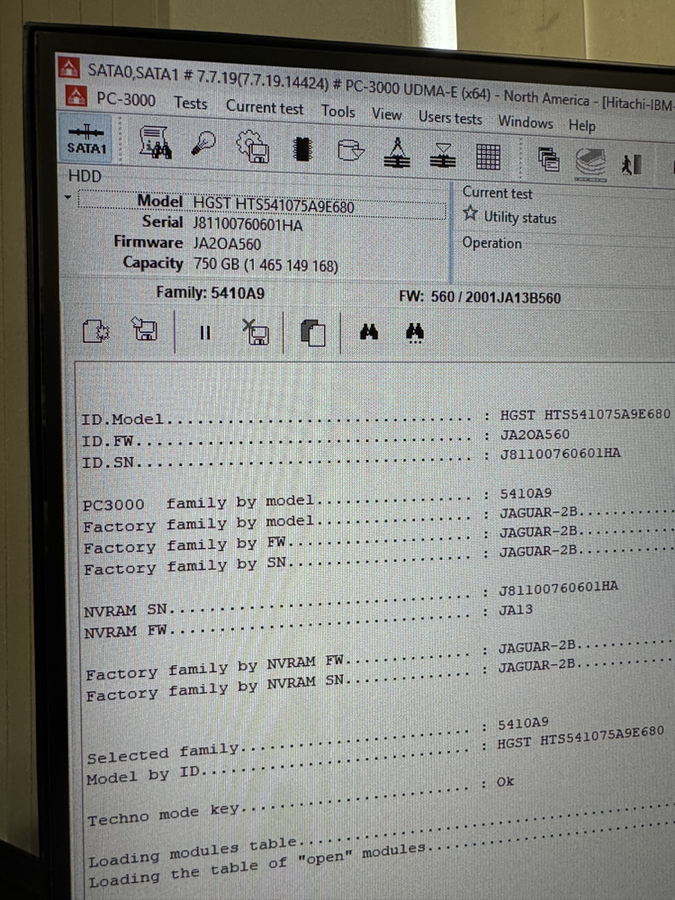
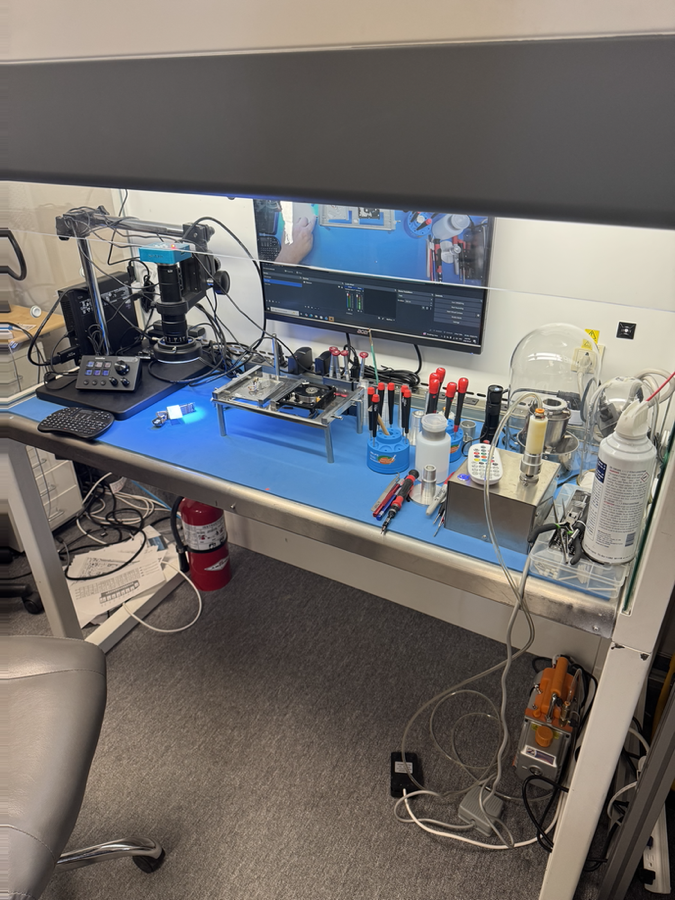
OmniData recovers data from internal, external, portable, and business hard drives using in-house diagnostics, PC-3000 tools, and ISO Class 5 laminar flow clean bench capability for mechanical work.
Recovery cases
If a hard drive is clicking, beeping, dropped, not detected, asking to be formatted, or reading extremely slowly, stop using it and have it evaluated before the damage gets worse. Repeated power attempts can turn a recoverable case into a much harder mechanical recovery.
Clicking, grinding, seized motors, head failure, platter access issues, and drives damaged by impact or drops.
Formatted drives, deleted files, corrupted partitions, damaged file systems, and drives that suddenly became RAW.
Drives that freeze, disappear from the system, read slowly, or fail during cloning because of media degradation.
USB portable drives, external backup drives, damaged enclosures, failed bridges, and drives removed from external cases.
What to do now
If the drive contains important files, avoid disk recovery utilities, repeated scans, formatting prompts, or DIY head swaps. Bring the drive to the lab or start a mail-in case so the media can be cloned and evaluated with the right equipment.
Read the clicking hard drive safety guideCritical warning
Hard drives are sophisticated electro-mechanical devices. There is nothing an untrained individual can do inside the drive to recover data without the proper tools and training. Opening the drive, or turning it on while the cover is off, will almost certainly cause permanent data loss.
Lab process
We identify whether the issue is logical, firmware-related, electrical, media damage, or mechanical failure.
When possible, the drive is stabilized and cloned sector by sector before file-system work begins.
Recovered files are rebuilt, checked, and returned securely after approval.
In-house equipment
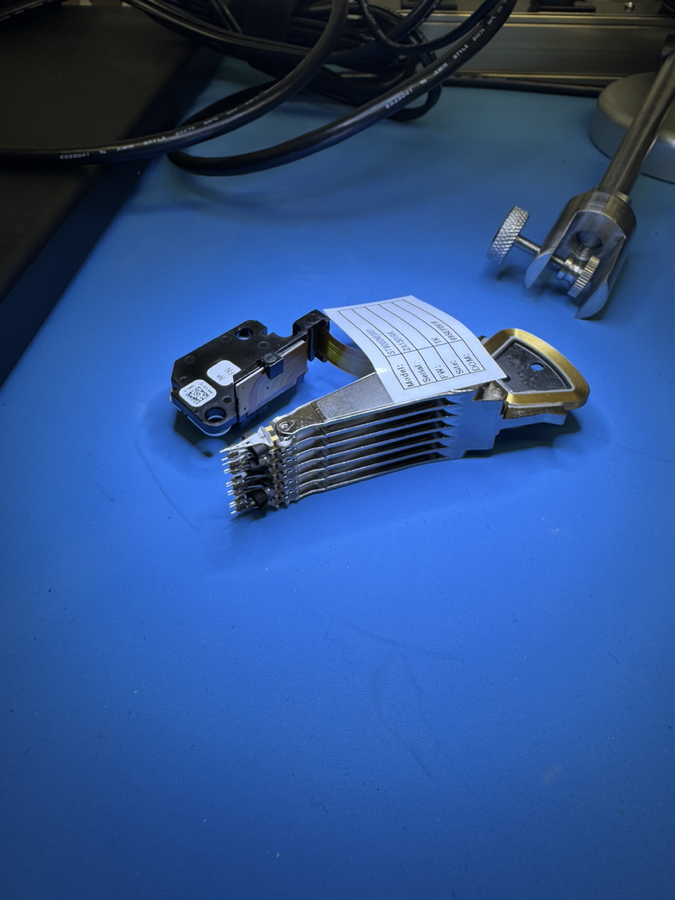
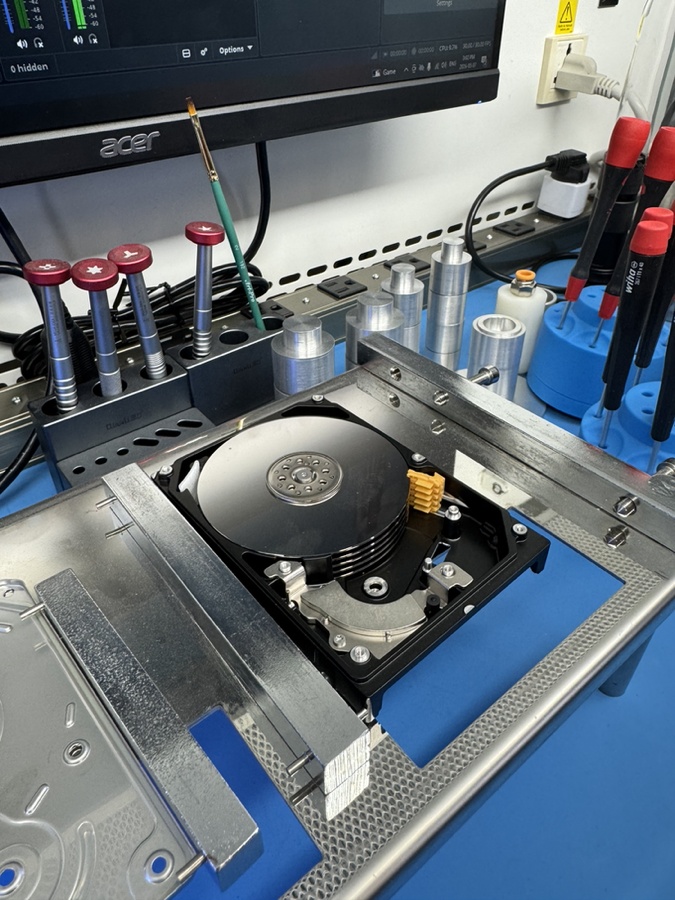
Hard drive recovery depends on controlled handling, proper diagnostics, and stable imaging. These are actual lab assets used for hard drive work, including PC-3000, clean bench capability, and donor head assembly preparation.
Hard drive FAQ
Often, yes. A clicking drive should be powered off immediately because repeated attempts can damage the heads and platters further.
Many dropped drives are recoverable, but the recovery path depends on the heads, platters, motor, and whether the drive was powered after impact.
No. OmniData performs recovery work in house at the North York lab.
If the drive is physically failing, clicking, disconnecting, or reading slowly, software scans can make things worse. There are no software tools that can correct hardware-level failure in a failing drive. Stop and have the drive assessed first.
Start safely
Bring the drive to OmniData in North York or use the mail-in option if you are outside Toronto.