
Controller and firmware issues
SSDs that are not detected, show the wrong capacity, freeze during access, or appear with firmware-level faults.
SSD data recovery
OmniData recovers data from SSDs that are dead, not detected, corrupted, slow, formatted, or physically damaged. SSD recovery requires careful diagnostics because controller failure, firmware problems, NAND degradation, and TRIM can all affect the recovery path.
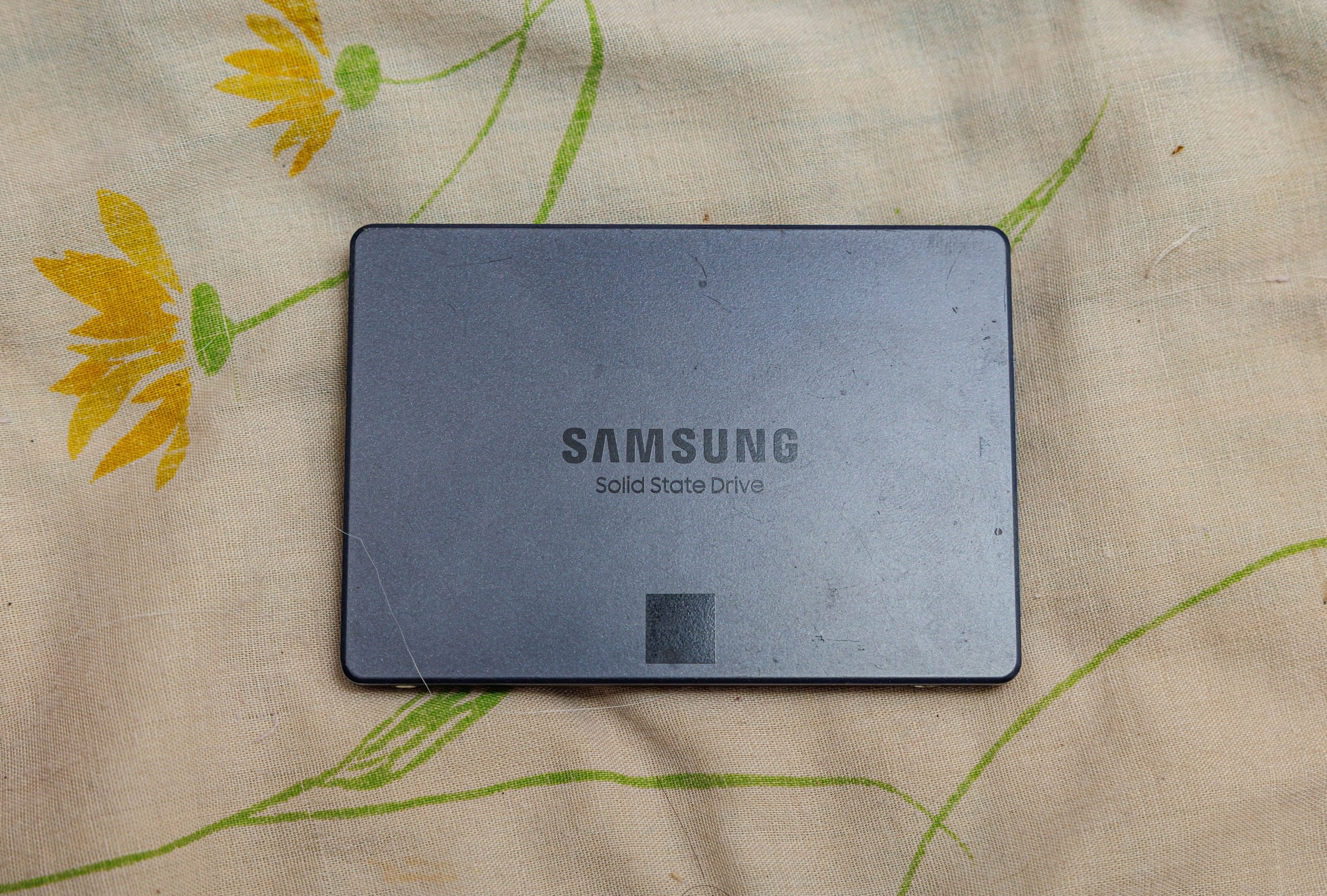
SSD failure types
SSDs fail differently from hard drives. There are no platters or heads, but the controller, firmware, NAND memory, power components, and translation tables can all prevent the drive from mounting or make files inaccessible.
SSDs that are not detected, show the wrong capacity, freeze during access, or appear with firmware-level faults.
Power surge, liquid damage, shorted components, damaged interfaces, and SSDs that no longer power on.
Unreadable memory, unstable reads, bad blocks, slow access, and SSDs that disconnect during imaging.
Cases involving deletion, formatting, partition corruption, and TRIM-related limitations.
Important
A failing SSD should not be repeatedly scanned or written to. Software tools can make the situation worse if the drive is unstable, and they cannot resolve physical electronics, controller, firmware, or NAND-level problems.
Read the SSD not detected safety guideTRIM warning
When TRIM is active, deleted data can be erased internally by the SSD. Stop using the system or drive immediately after deletion or formatting and contact the lab before installing software or saving new files.
Lab process
We identify whether the failure is logical, firmware-related, electrical, interface-related, or NAND/media related.
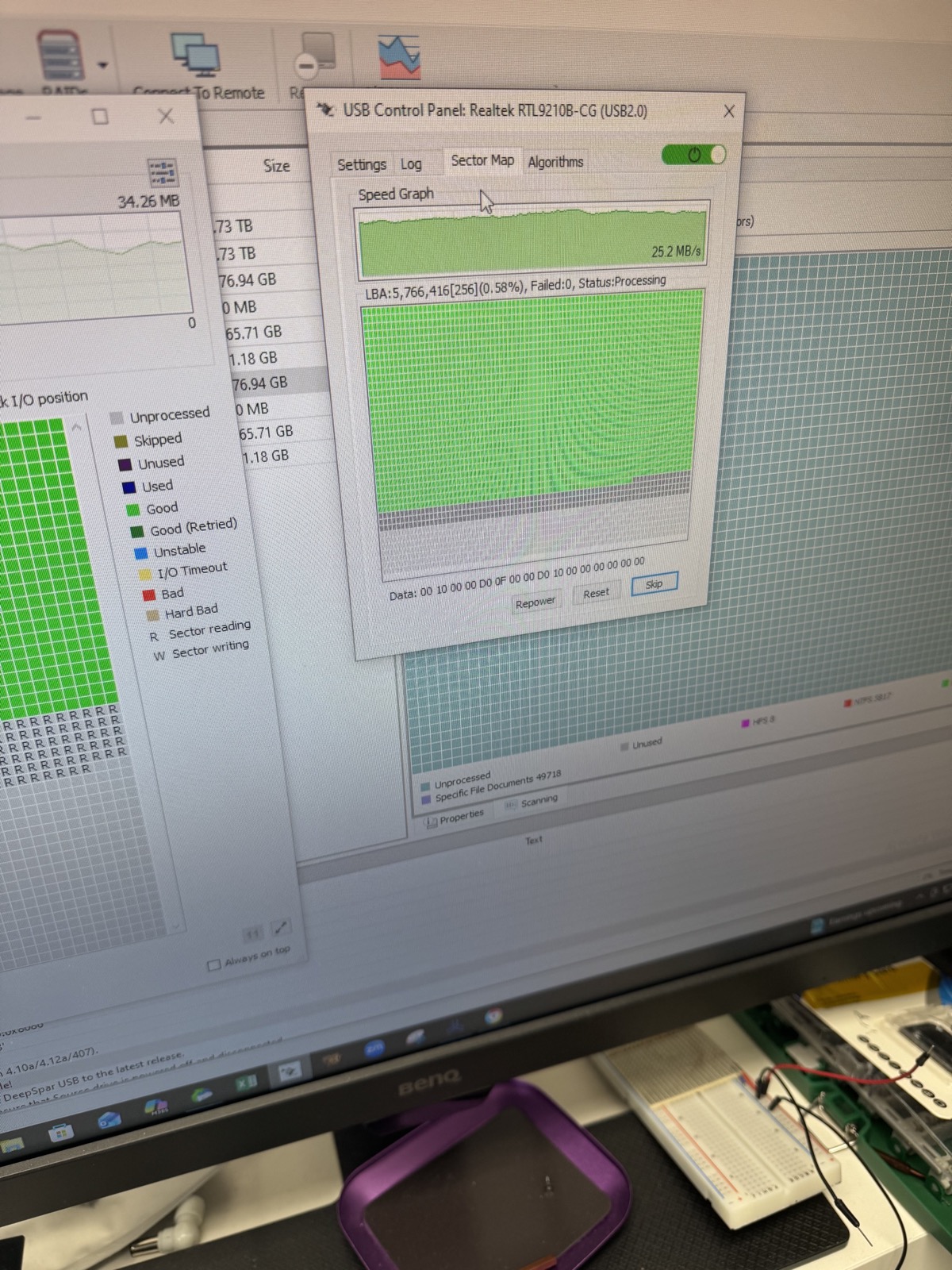
When the SSD can be accessed, the priority is controlled imaging so recovery work happens from a copy instead of the unstable source.
Recovered files are reconstructed, verified, and returned securely after approval.
In-house SSD diagnostics
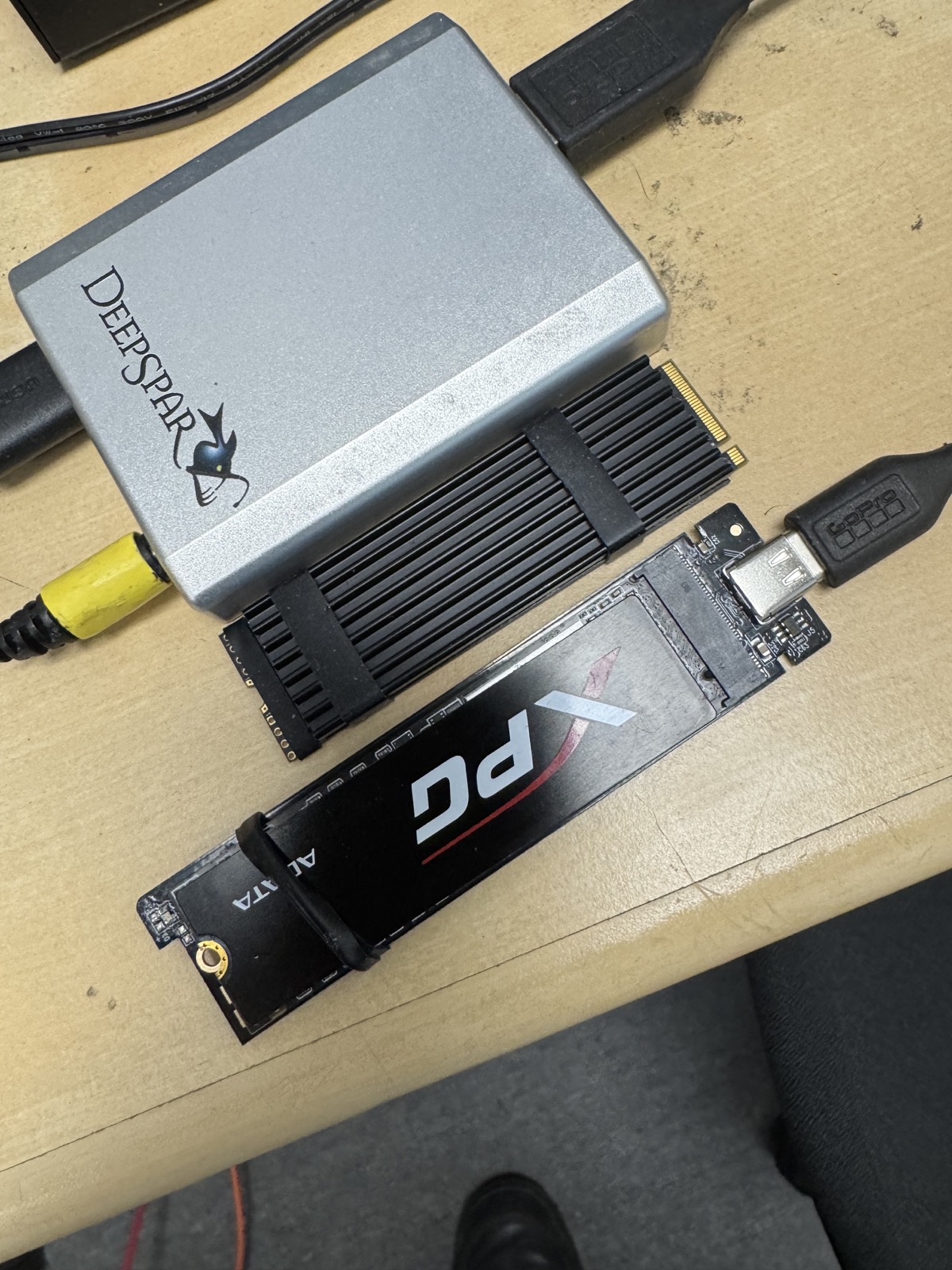
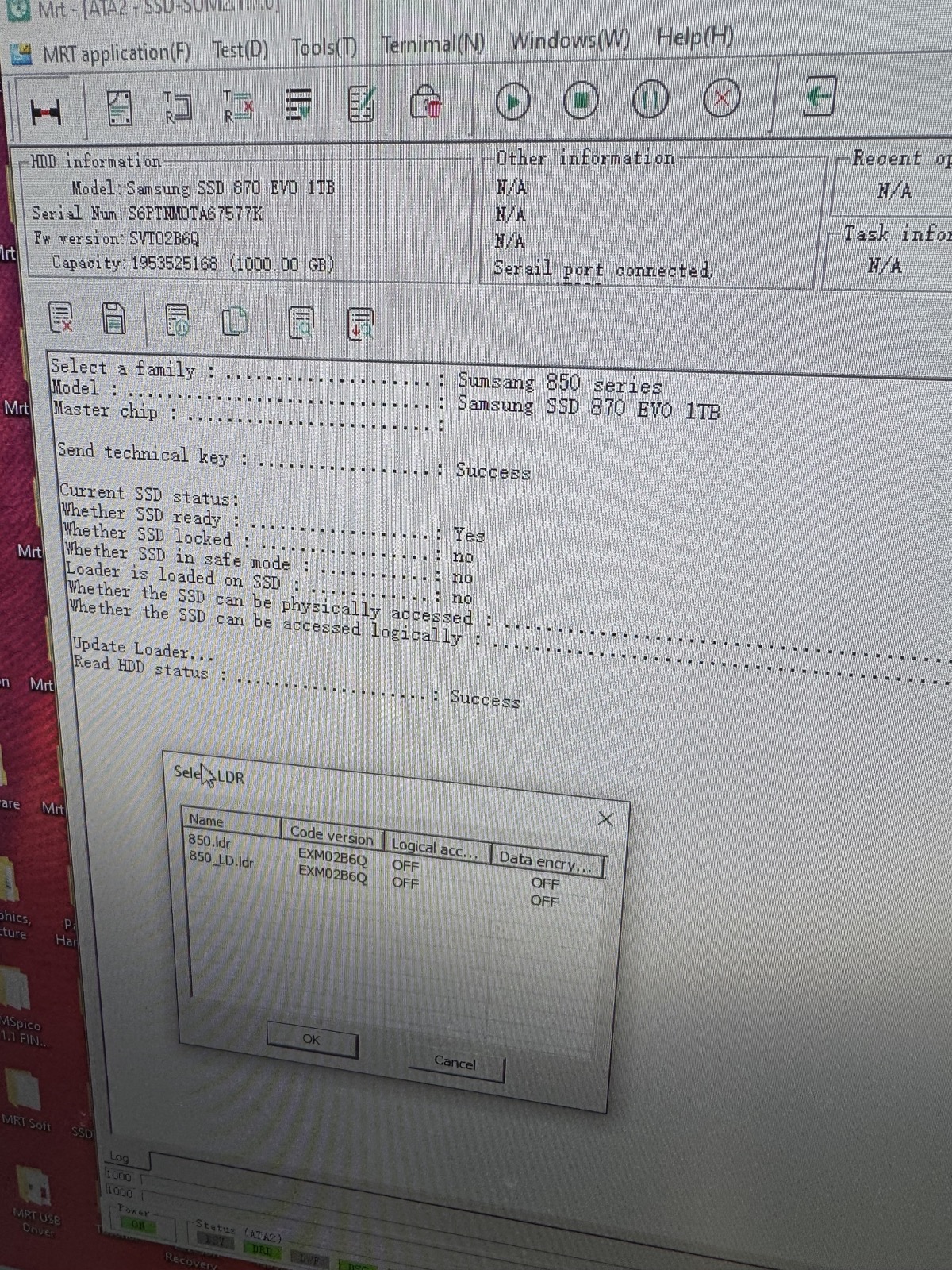
SSD recovery depends on the controller, firmware, NAND memory, and the way the drive is imaged. These photos show real OmniData SSD cases and diagnostic work for NVMe, SATA, and external SSD recovery.
What is SSD firmware?
When SSD firmware or controller data is damaged, the drive may stop detecting, show the wrong capacity, freeze, or become inaccessible even when the NAND memory still contains the data. Proper SSD recovery starts with diagnostics, controlled access, and imaging before file-system recovery begins.
SSD FAQ
Sometimes, yes. The result depends on the controller, NAND memory, firmware, encryption, and whether the SSD can be stabilized or accessed safely.
Sometimes, but TRIM can permanently clear deleted data. Stop using the SSD immediately and avoid installing recovery software on the same drive.
No software can resolve physical electronics, controller, firmware, or NAND-level hardware problems. If the SSD is unstable or not detected, it should be assessed before scanning.
Yes. OmniData works with SATA, NVMe, M.2, portable USB SSDs, and SSDs removed from systems and external enclosures.
Start safely
Bring the SSD to OmniData in North York or use the mail-in option if you are outside Toronto.